Seven Places Businesses Can Use QR Codes More Effectively
Seven placements where a printed QR code beats the alternative, with what to encode, how big to print it and what it should open for each.
20 May 2026 · 9 min read · updated 10 October 2026
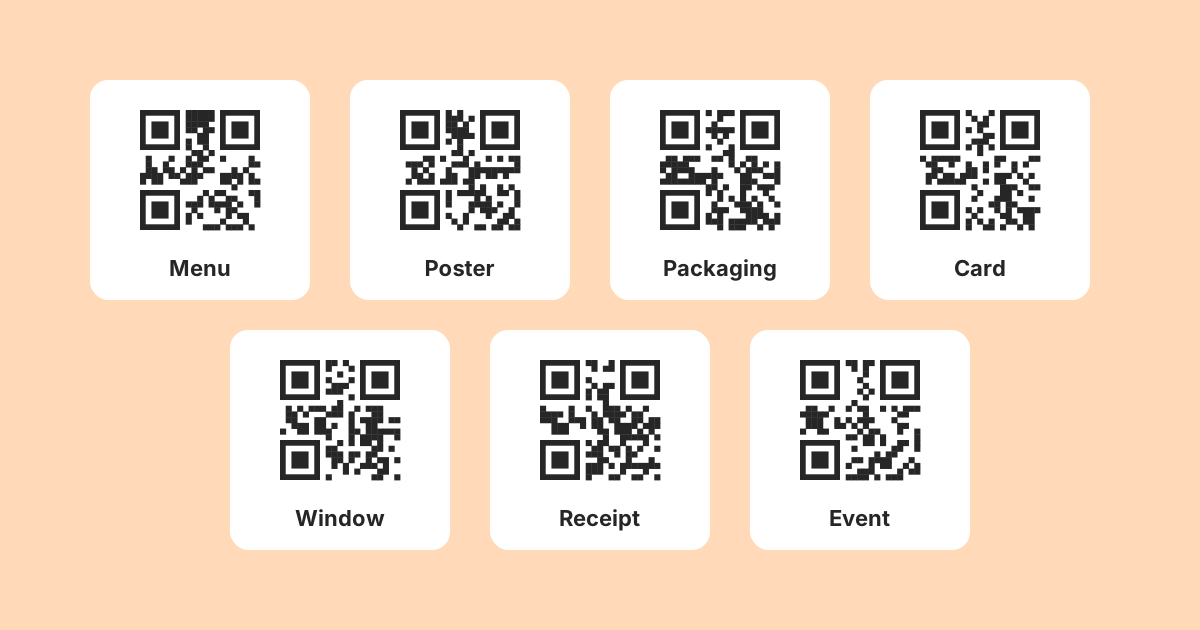
A QR code is worth its space when typing the alternative would be worse. That is the whole test, and most disappointing codes fail it: a code on a website next to a link you could simply tap, a code in an email, a code on a television advert that disappears before anyone finds their phone.
The seven placements below share a shape. Someone is holding a phone, standing in front of a physical object, and the alternative is typing something long or remembering it until later. For each one you will find what to encode, roughly how big to print it, and what the code should open.
Two ground rules first
Codes made with LinkMint are static. The content (a web address, a Wi-Fi password, a phone number) is stored in the pattern itself, and once it is printed it cannot change. Short links made here cannot be edited either. So for each placement, ask whether the destination will still be right in a year. If it might not be, encode the address of something you can edit: a page on your own website that you update in place, or a LinkMint bio page, whose contents you can change at any time with its private edit link.
Second, nothing on LinkMint counts scans. To measure a placement, add UTM parameters to the destination with the UTM builder so that visits arrive in your own website analytics with a label attached. The last part of this piece shows how to set that up across several surfaces.
1. Receipts
A receipt is handed over at the one moment a customer is certainly thinking about the purchase, and it is also the item most likely to be thrown away within a minute. Asking them to remember an address until they get home reliably fails. A code converts the moment into an action.
- Encode: a short link to one stable page, such as your returns information, a review request, or a loyalty sign-up. Pick one; a receipt is not the place for a menu of options.
- Size: about 2.5 centimetres is usually enough at hand distance. Thermal paper fades and prints in grey, so use error correction level Q and test a receipt that has spent a week in a wallet.
- Opens: a page built for a phone, which loads quickly and asks for nothing before showing the thing promised.
Because the code is printed by the till for months, choose a destination that will not move. If the purpose will change seasonally, point it at a page on your own site whose content you rotate, rather than a campaign page that will be retired.
2. Packaging and inserts
Packaging is printed months ahead and in large volumes, and it reaches the customer when they are most engaged: they have just opened the box. It is also where a static code carries the most risk, because the gap between printing and scanning can be a year or more.
- Encode: a permanent support page on your own domain for that product, such as example.com/support/kettle-k2. Shorten it if the address is long. Avoid encoding a specific PDF filename that will be replaced by version two.
- Size: 2 to 3 centimetres on an insert read at arm's length; larger on the outer box if you expect people to scan it on a shop shelf.
- Opens: assembly instructions, care guidance, warranty registration and spare parts, all on one page you can update.
Assembly instructions are the strongest use. When step four turns out to be confusing, you fix the page and every customer who has not yet opened their box gets the corrected version, even though the code itself never changed.
3. Shop windows and doors
The value here is out of hours. Someone walks past a closed shop at nine in the evening, is interested, and has no way to act on it. A code in the window turns that into a saved page, a booking or a look at opening hours.
- Encode: a LinkMint bio page or a page on your own site with hours, location, booking and current offers. This is exactly the kind of content that changes, so it should be editable.
- Size: people scan through glass from a metre or two away, so 10 to 20 centimetres across. Mount it at eye level, not at the bottom of the door.
- Opens: hours first, then the main action (book, order, call). A contact block with a phone number is worth including for people who would rather ring.
Watch for glare. A glossy sticker behind glass reflects street lighting. Matt material, dark modules on a white background and a full quiet zone of four modules on every side make the difference after dark.
4. Table cards in hospitality
Table codes are common and often done badly: a code that opens a heavy PDF which has to be pinched and dragged on a small screen. Done well, a menu page is better than a printed menu at exactly the things printed menus are bad at, such as daily specials, dishes that have run out and allergen details.
- Encode: a menu page you can edit, either on your own site or a bio page using text, pricing and FAQ blocks. Do not encode a link to this week's PDF.
- Size: 3 to 4 centimetres is comfortable at table distance. Laminated cards need error correction Q or H because they collect scratches.
- Opens: a fast, readable menu. Put allergen information and how to order in plain text, not in an image.
Consider a second code for guest Wi-Fi. A Wi-Fi code holds the network name and password directly, connects the phone without typing, and needs no internet connection to work. Label the two clearly so nobody scans the wrong one.
And never make the code the only option. A code plus a printed menu serves everyone; a code alone shuts out anyone whose phone is flat.
5. Equipment and installation labels
A boiler, a lift, a server cabinet, a commercial dishwasher. Whoever stands in front of it needs the manual, the service history or the number to call, and a search for the model number tends to return the wrong revision of the wrong document.
- Encode: either a web address for the manual on a page you control, or, where signal is poor, the essential facts as plain text (model, serial number, installer and service phone number). A phone code that dials the service line directly also works well.
- Size: 2 to 3 centimetres on a durable label. Use error correction H for anything near grease, heat or cleaning chemicals.
- Opens: the right document for that unit, or, for a text code, the details on screen with no connection needed.
Plant rooms and basements are often where mobile signal fails, so a code that needs the internet may simply not work there. A text or phone code works offline. Accept that it is permanent, and print a new label when the service contract changes.
6. Events, stands and badges
At an event everything is printed weeks ahead and needs to say something different before, during and after. A stand graphic two metres wide is not something you want to reprint because the demo schedule moved.
- Encode on the stand: a bio page that shows the schedule beforehand, a booking link during the event and follow-up material afterwards. You change the page with its edit link; the graphic stays the same.
- Encode on badges: a contact card, so scanning a badge saves the person's name, role, phone and email straight into the address book, with no web page involved.
- Size: stand graphics are read from two or three metres, so 20 to 30 centimetres. Badge codes read at arm's length can be 2.5 to 3 centimetres.
Keep contact card codes lean. Each extra field adds characters and therefore modules, and a badge code needs to stay coarse enough to read in a dim hall.
7. Direct mail
Direct mail's long-standing weakness is attribution. Something arrives, something happens weeks later, and nobody can connect the two. A code that carries its own UTM tags closes much of that gap without asking the recipient to type a special address.
- Encode: a short link to a landing page on your own site, tagged with the mailing's name. Use a different tagged link for each mailing and each version you send.
- Size: 2.5 to 3 centimetres on a postcard or letter.
- Opens: a page that continues the offer on the card, with the same wording and the same image, so the recipient knows they are in the right place.
Measuring all seven with UTM tags
If a business uses codes in even three of these places, the temptation is one code everywhere. It is simpler to produce and it removes any way of knowing which placement was worth repeating. Give each surface its own tagged destination instead.
| Surface | utm_source | utm_medium | utm_campaign |
|---|---|---|---|
| Table cards | table-card | qr | autumn-menu |
| Window sticker | window | qr | autumn-menu |
| Receipt footer | receipt | qr | autumn-menu |
| Door drop flyer | flyer | qr | autumn-menu |
Build each tagged address in the UTM builder, shorten it, and encode the short link. LinkMint keeps the query string exactly as written. Your analytics then groups visits by source within the campaign, and you can see which surface brought people in.
Be clear about what this measures. You see visits that reach your site with the tags intact, not scans as such. A visit that bounces before your analytics loads will be missed, and someone who shares the link passes the tags along. That is still far more than an untagged code tells you, which is nothing.
Keep the values lowercase and consistent. Analytics tools usually treat Table-Card and table-card as two different sources, and a campaign split across both is harder to read.
Say what the code does
An unlabelled code asks someone to point their camera at an unknown destination on the word of a sticker. Plenty of people will not, and security advice tells them not to. Four or five words fix it, as long as they describe what happens next rather than repeating the instruction to scan.
Scan me
Scan for today's menu
Scan to book a table
Scan for assembly instructions
Scan to join our guest Wi-Fi
Printing the short address under the code helps too. People can type it if the camera will not cooperate, and if they put a plus sign in front of the code part they can preview where it leads before opening it.
What goes wrong in all seven
- Printed too small for the distance. Use the tenth rule as a floor, not a target.
- The quiet zone cropped by a designer who thought it was spare whitespace. Four modules of clear space on every side is part of the code.
- A long address encoded directly, producing a dense code. Shorten it first.
- A destination that will change encoded in a code that cannot. Use an editable page instead.
- A page that is not built for a phone, which wastes the scan entirely.
- Light modules on a dark background, which many scanners read poorly.
- Never tested. Print a proof at final size and scan it with two different phones, in the light where it will hang, before ordering the full run.
The test, again
Would typing the alternative be worse? On a receipt, a box, a window, a table, a boiler, a stand or an envelope, the answer is yes, because the person is holding a phone and standing in front of the thing. On a web page, in an email or on a screen the viewer cannot approach, the answer is no, and those are the codes that make people decide QR codes do not work. Usually it was the placement that failed, not the code.
Related reading
- QR Codes and Short Links Work Better Together
Encoding a short link instead of a long address gives you a coarser, easier code and a line of text people can type. Here is what that buys you, what it does not, and how to plan for a destination that might change.
- Printed QR Codes: Point Them at Something You Control
A printed QR code cannot be changed, so the decisions that matter happen before it reaches the printer: where it leads, how big it is, and whether it actually scans.
- UTM Parameters Explained Without the Marketing Jargon
Five labels you can add to a URL so your analytics can say where a visit came from. What each one means, which three matter most, and the small inconsistencies that quietly split your reports.