Click Analytics Without Turning Visitors Into Profiles
Almost everything you want to know about the traffic your links send can be answered in your own analytics without storing anything that identifies anyone. Here is how, and why LinkMint itself records nothing at all.
8 April 2026 · 8 min read · updated 10 October 2026
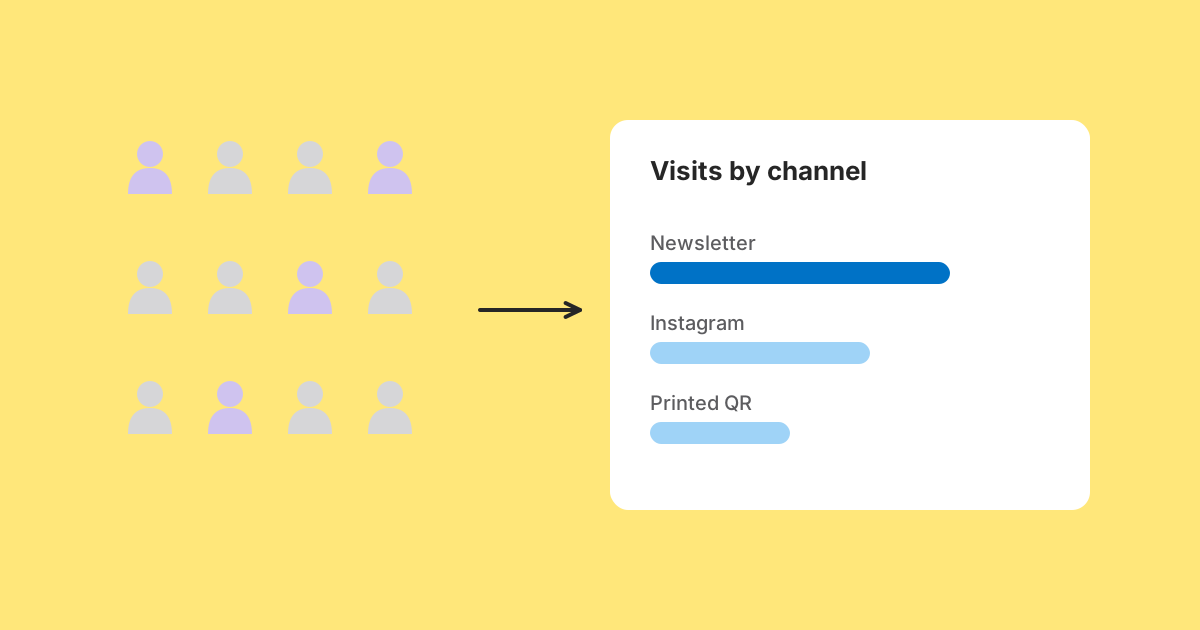
There is a question worth asking before setting up any analytics, and it is almost never asked: what will you do differently depending on the answer?
For the traffic your links send, the honest list is short. Which channel should get more effort next time. Did this campaign do better than the last one. Is the traffic coming from where I expected. Do most people arrive on a phone. Did the visits lead to anything: a sign-up, an enquiry, a sale.
Every one of those is a question about groups. None of them requires knowing anything about an individual, and none gets a better answer if you do. This article is about measuring those things on your own website in a way that never turns a visitor into a profile, and about what LinkMint does at its end, which is nothing.
First, what LinkMint records: nothing
When someone follows a LinkMint short link, the server looks up the destination and answers with an HTTP 302 redirect. It does not count the click, store the referrer, look up a country, set a cookie or keep the IP address. There is no dashboard to show any of that in, because there is nothing to show.
That was a deliberate choice. The person clicking has no relationship with us; they followed something a friend, a shop or a newsletter sent them. A record of that click would be data about a stranger, held by the party with the least reason to hold it, for the benefit of nobody in particular. The site they land on is better placed to measure the visit anyway, because it knows what happened next.
So if you use LinkMint and want numbers, the numbers come from your own analytics, on your own site. The rest of this article is about doing that well.
Put the attribution in the link, not in the visitor
The most useful fact about a visit, which channel it came from, does not need to be detected from the visitor at all. You can write it into the link before you share it, using UTM parameters, and your analytics reads it from the address when the visitor lands.
https://example.com/workshop?utm_source=newsletter&utm_medium=email&utm_campaign=october_workshopThis is the privacy-friendly route as well as the reliable one. The tag describes where you put the link, not who clicked it. Everyone who follows the newsletter link carries the same tag, so the tag can only ever tell you about the group.
It is also more accurate than the alternatives. The Referer header, which browsers sometimes send to say which page a link was on, is often trimmed to a bare domain or missing entirely, especially from apps and email. A tag in the URL survives all of that, because it travels in the address itself. LinkMint keeps query strings byte for byte, so a shortened tagged link arrives with every parameter intact.
What analytics often collects anyway
Many analytics setups, especially self-built ones and older configurations, store the visitor's IP address, the full user agent string, a persistent identifier in a cookie, and the complete referring URL. Each has a plausible justification. Look at what each actually buys against what it costs.
The IP address
You wanted a country. An IP address can point to a household or a workplace, and with a timestamp it records where a specific connection was at a specific moment. It is the most identifying thing on the list and the easiest to avoid: resolve the country when the request arrives and discard the address before anything is written down. Many analytics products offer a setting to truncate or drop addresses; turn it on.
The full user agent string
You wanted to know whether it was a phone. A complete user agent can carry browser version, operating system version and sometimes device model, which combined with a few other attributes helps single someone out. Reduce it on arrival to a category such as mobile, tablet or desktop. That answers the question and cannot be turned back into the original.
The visitor identifier
This is the one that changes the nature of the dataset. Without it you have counts. With it you have sequences: this person clicked that, then this, then came back on Thursday. That is a different kind of object with different obligations attached, and it often exists to answer a question nobody asks. It is also usually what pushes an analytics setup into needing a consent banner, since in the UK and EU storing non-essential identifiers on a visitor's device generally requires consent. Check the rules that apply to you rather than taking that as legal advice.
The full referring URL
You wanted the domain. A full referring URL can contain search terms, session tokens and private paths belonging to someone else's site. Current browsers usually send only the origin across sites by default, but not always, and pages can opt in to sending more. Keep the hostname and drop the rest when you record it.
What a non-identifying record looks like
If you control your analytics storage, a single landed visit needs very little. Every field below is a bucket that many people fall into.
date:             2026-10-10
landing_page:     /workshop
utm_source:       newsletter
utm_medium:       email
utm_campaign:     october_workshop
referrer_domain:  (none)
device_category:  mobile
country:          GB
converted:        yes
That row answers every question in the opening list. What it cannot do, by construction rather than by policy, is tell you what else that person did on another day, because nothing connects this row to any other.
Ways to get there with tools you already have
- Use an analytics product that works without cookies or persistent identifiers, if your needs fit what it reports. Several exist, and their documentation says what they store.
- If you keep a mainstream analytics product, review its settings: IP handling, data retention period, and whether features like cross-device tracking or advertising integrations are switched on when you do not use them.
- Shorten the retention period to the longest window you actually compare. Many people never look back further than a year.
- Mark conversions on your own site, such as a sign-up confirmation page or a submitted enquiry, so you count outcomes per channel instead of following people around.
- Tag every link you share with UTM parameters, with a written vocabulary so values stay consistent and lower case.
What you genuinely lose
It would be dishonest to claim this costs nothing.
You cannot reliably distinguish unique visitors from total visits. Ten visits might be ten people, or one person who opened the email on two devices and came back later. In practice this matters less than it sounds, because the comparisons you make, this campaign against the last, are affected in the same way on both sides.
You cannot follow someone across days to reconstruct a journey. If your business depends on multi-step, multi-visit funnels, you need something more, and you should be open with visitors about it rather than doing it quietly.
And at the shortener end, with LinkMint, you get no numbers at all. If the destination is a site you cannot measure, such as someone else's shop or a document host, you will not know how many people followed your link. If that number matters, a shortener that records clicks is the right tool for that job, and it is worth reading exactly what it stores.
Aggregation makes it smaller as well as safer
There is a second reason to build this way, and it persuades people unmoved by the first: a non-identifying record is much cheaper to keep.
Individual visit rows exist to answer questions about recent detail: what happened in the last few weeks, broken down by source or device. Nobody asks those questions about a Tuesday two years ago. What they ask about old periods is totals.
Recent  →  one row per visit, full breakdown available
Older   →  one row per page, source and day, totals only
Rolling old rows into daily totals and deleting the detail is only comfortable because the detail was not identifying in the first place. If those rows held IP addresses and visitor identifiers, deleting them would be an obligation you were nervously behind on, rather than ordinary housekeeping that also saves money.
Be clear about what the numbers can't do
Measuring responsibly comes with an obligation the invasive kind tends to skip: being clear about the limits, to yourself and to anyone reading your reports.
- Referrer data is incomplete, because browser defaults trim it and many apps and email clients send none.
- Untagged visits from apps, email and QR codes usually land in direct or unassigned, which is a gap in labelling, not a crowd of people typing your address.
- A forwarded link keeps its tags, so a newsletter link shared in a group chat is still credited to the newsletter.
- Messaging apps fetch links to build previews. Script-based analytics usually ignores those fetches, but server logs will count them.
- Analytics that need consent will undercount visitors who decline, and the shortfall can differ between channels.
Stating those is not a weakness. A report that gives a number without qualification invites decisions the number cannot support, and the first time someone discovers a gap on their own, they stop trusting the rest of it.
The question worth asking of any tool
Not "is this compliant", which is a question about paperwork. Ask instead: what would this dataset let someone do if they wanted to, whatever the policy says?
If the answer is "reconstruct a person's browsing", the protection is a promise, and promises last as long as the people who made them. If the answer is "count things", the protection is in the shape of the data, and it holds whoever ends up with it. If the answer is "there is no dataset", as with LinkMint's redirects, there is nothing to protect.
Related reading
- The Problem With Tracking Every Possible Detail About a Click
Set the privacy argument aside entirely. Collecting everything about link traffic is expensive, produces worse decisions and creates obligations that outlive whoever agreed to them. Here is what to measure instead, in your own analytics.
- Direct Traffic Doesn't Always Mean Someone Typed Your URL
The largest row in many analytics reports is the one nobody can explain. Here is what is actually in it, why short links and QR codes end up there, and how to make it smaller with tagged links.
- UTM Parameters Explained Without the Marketing Jargon
Five labels you can add to a URL so your analytics can say where a visit came from. What each one means, which three matter most, and the small inconsistencies that quietly split your reports.